Getting Started with Agent Skills
Give your agents an instant upgrade. Agent Skills let you drop specialized knowledge and workflows directly into any agent — no rebuilding, no reprompting. In just a few steps, you can equip your agents with pre-built skills from the library or craft your own to match exactly how your team works.
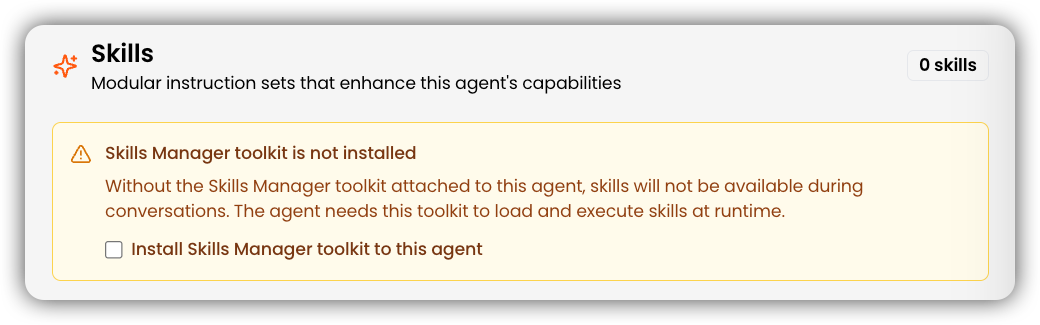
Enable Skills on your agent
- Open your agent's configuration
Navigate to the Skills tab.
- Enable skills
Tick the checkbox to enable skills for the agent. A toast notification will confirm that skills are available.
Once enabled, click Browse Library to discover pre-built skills, or click + Add Skill to create your own.
Agent Skills are charged at 1 credit per tool call invoked. For more details, see our credits documentation.
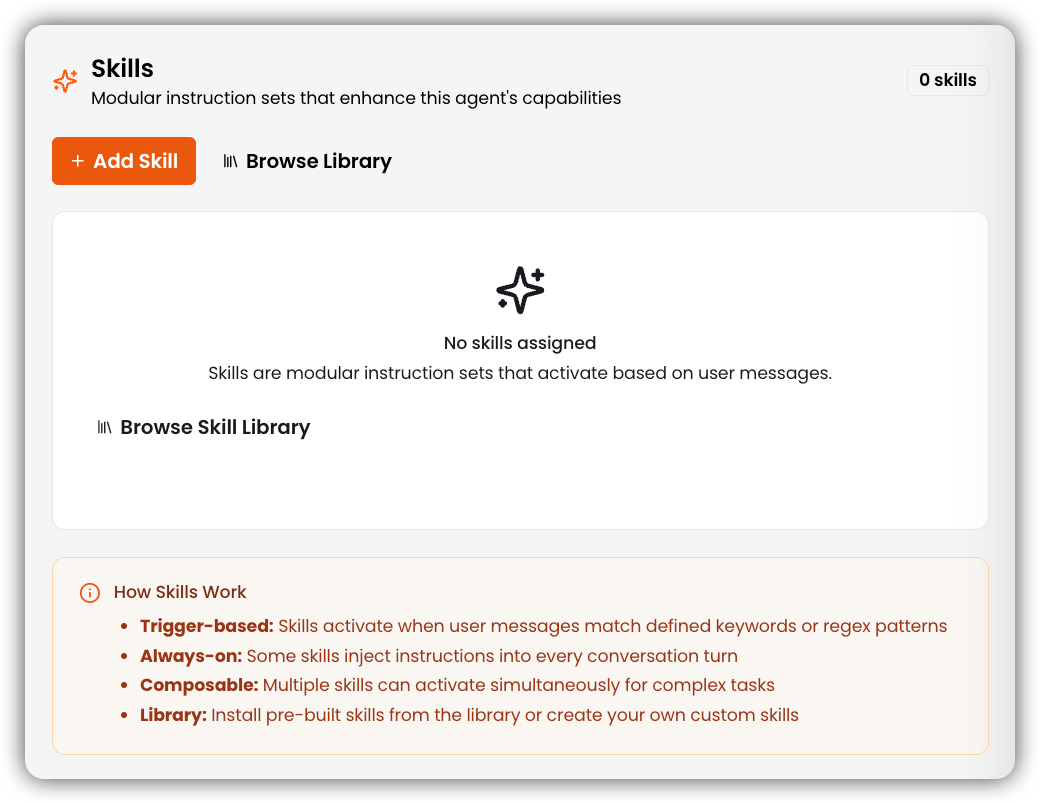
Browse Pre-Built Skills in the Library
Browse all pre-built skills available out of the box, organized by category.
Create a Custom Skill
To create a new skill, open the Skills section and click Create Skill. Fill in the following fields:
- Name
Enter a unique identifier for your skill using lowercase letters, numbers, and hyphens only (1–64 characters). Leading, trailing, or consecutive hyphens are not allowed.
e.g. github-opstipSee Agent Skills name rules for the full naming specification.
- Description
Write a clear explanation of what the skill does and when to use it. Include keywords that agents can match on — this text is what the agent reads during the Discovery stage to decide whether to activate the skill. Description must be between 1–1024 characters and cannot be empty.
tipSee Agent Skills description rules for guidance on writing effective descriptions.
- Triggers
Add one or more keywords or
/regex/patterns that will activate this skill. Press Enter or comma after each trigger to add it. Triggers are optional — if left empty, the skill will only activate via the Always On setting (see below).e.g. code review, review my code, /review\s+PR/i - Content
Write the skill instructions in markdown. This is the full
SKILLcontent loaded into the agent's context when the skill is activated. Be specific — step-by-step instructions with clear formatting produce the most reliable agent behavior.# My SkillWhen asked to do X:1. First, do Y2. Then, do Z - Allowed Tools
Click Select tools to choose which agent toolkits this skill is permitted to use (e.g.
knowledge base,web search,database). If no tools are selected, the skill runs on the agent's context alone. - Category
Select a category from the dropdown to organize the skill in the library. Defaults to None if left unset.
- Always On (optional)
Toggle Always On to inject this skill's instructions into every conversation turn, regardless of whether a trigger keyword is matched. Use this for skills that should apply globally, such as tone guidelines or compliance rules.
- Create
Once all required fields are filled in, click Create to save the skill and make it available to your agents.