Overview
Autopilot transforms the way you build AI solutions. Instead of navigating settings, wiring integrations, or writing configuration from scratch, you simply describe what you need — and Autopilot handles the rest. From spinning up intelligent agents to designing multi-step automation workflows, managing your data, and conducting live web research, Autopilot gives your team a powerful co-builder that works at the speed of conversation.
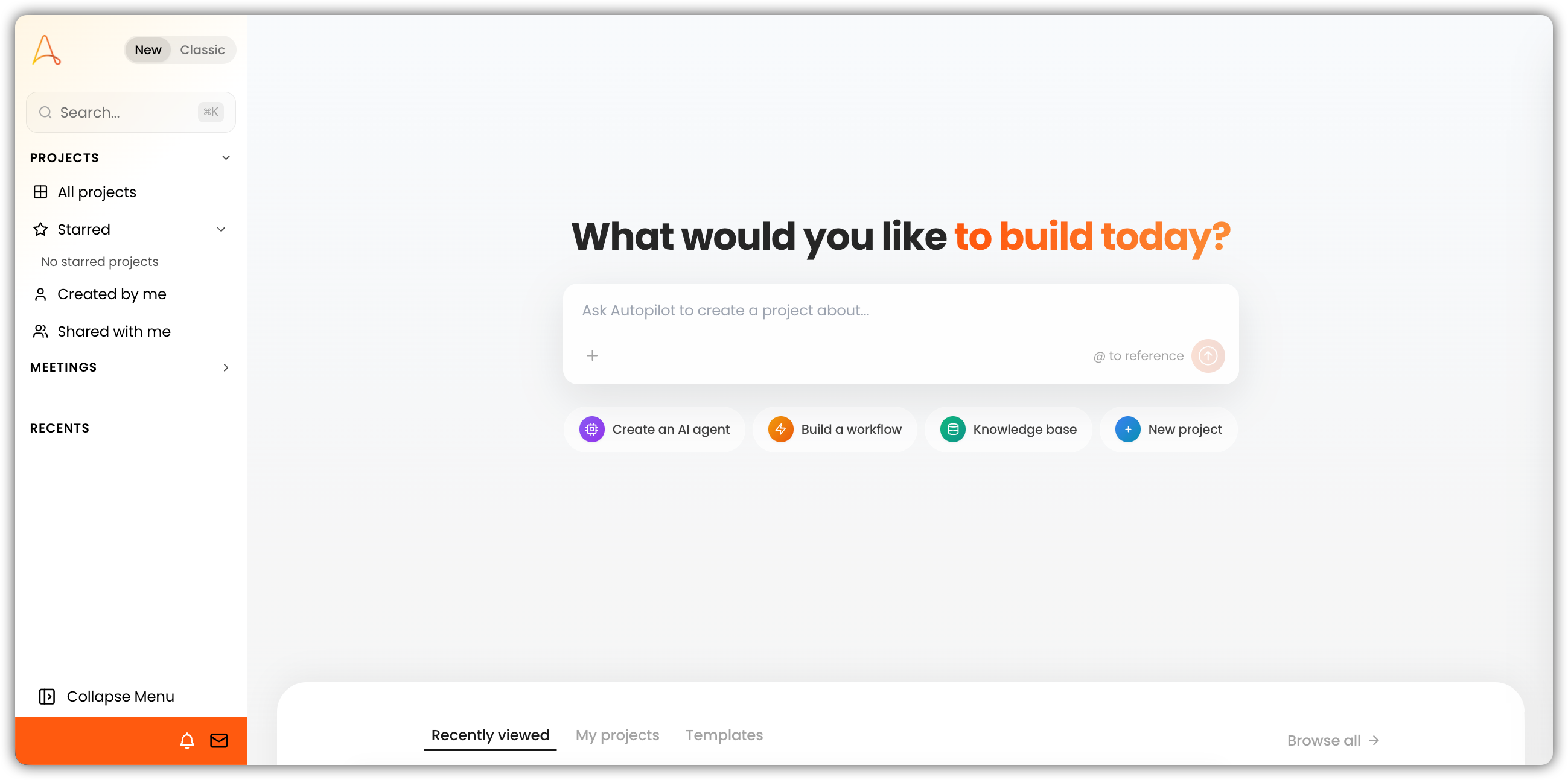
What You Can Build with Autopilot
1. AI Agents — Tailored to Your Use Case
Need an agent that knows your documentation inside and out? Or one that analyzes data, writes code, or answers customer questions? Autopilot builds it — fully configured and tested — from a single conversation.
- Create agents from scratch with custom personalities, instructions, and toolkits
- Start from a template: Knowledge Base Agent, Data Analyst, Research Assistant, Python Developer, and more
- Connect to your stack: databases, web search, knowledge bases, CRMs, project management tools, and other integrations
- Clone and modify existing agents to spin up variations quickly
- Validate and test automatically before any agent goes live
2. Automation Workflows — Visual, Node-Based, Fully Wired
Describe the process you want to automate. Autopilot builds it as a multi-step workflow — complete with triggers, logic, and processing nodes — and tests each piece as it goes.
- Flexible triggers: manual, file upload, scheduled, or email-based
- Rich processing nodes: LLM prompts, Python execution, agent calls, conditional branching, and loops
- Incremental verification: each node is validated as it's added, catching issues before they compound
- Full execution history: run workflows end-to-end and review detailed logs
- Auto-layout: nodes are arranged automatically for a clean, readable canvas
3. Smart Tables — Structured Data with Built-In AI
Go beyond spreadsheets. Smart Tables are structured data tables with AI-powered extraction built in — Autopilot designs the schema, sets up the columns, and keeps your data organized.
- Column types: text, number, date, boolean, single select, and multi-select
- Full data management: add, update, query, and delete rows and columns
- AI-designed schemas based on your requirements — no manual configuration needed
4. Web Research — From Question to Cited Report
Ask a research question. Autopilot searches the web, pulls full page content from relevant sources, cross-references findings, and delivers a properly cited summary — all within the same conversation.
- Targeted search queries to find the most relevant sources
- Full page content retrieval — not just snippets, but complete articles and documents
- Multi-source cross-referencing for accurate, well-rounded findings
- Proper source attribution on every finding
5. Task Planning — Transparent from Start to Finish
Autopilot doesn't just act — it plans first. Every task is broken into clear, trackable steps so you always know what's happening and why.
- Structured task lists created before any work begins
- Step-by-step execution with real-time progress updates
- Full visibility: see what's done, what's in progress, and what's next
6. Automated Testing — Built Right, Every Time
Quality isn't an afterthought. Autopilot generates test scenarios, runs them automatically, and iterates until things work — so you can deploy with confidence.
- AI-generated test cases relevant to your agent's or workflow's actual purpose
- Batch test execution across multiple scenarios at once
- Failure diagnosis: identify exactly what went wrong and where
- Automatic iteration: Autopilot applies fixes and retries, up to two rounds
7. Platform Management — Everything in One Place
Manage your EKB environment without leaving the conversation. Autopilot handles day-to-day platform operations so your team can stay focused on building.
Projects
- Create, update, and delete projects
- List all projects you have access to
- View project details and settings
Knowledge Base
- Organize files into folders
- Move and delete files and folders
- Check file processing status at any time
Web Crawlers
- Create crawlers that automatically index external websites into your knowledge base
8. Agent Chat Debugging — Know Exactly What Went Wrong
When an agent isn't behaving as expected, Autopilot gives you a full investigative toolkit — no guesswork required.
- Review full conversation history — page through any agent's chat
- Inspect tool usage in detail: which tools were called, what arguments were passed, and what came back
- Consolidated error view across the entire conversation
- Apply fixes directly: update the agent's configuration to resolve issues on the spot