General
The General tab in the My Account page allows you to manage your profile information, theme preferences, and account actions.
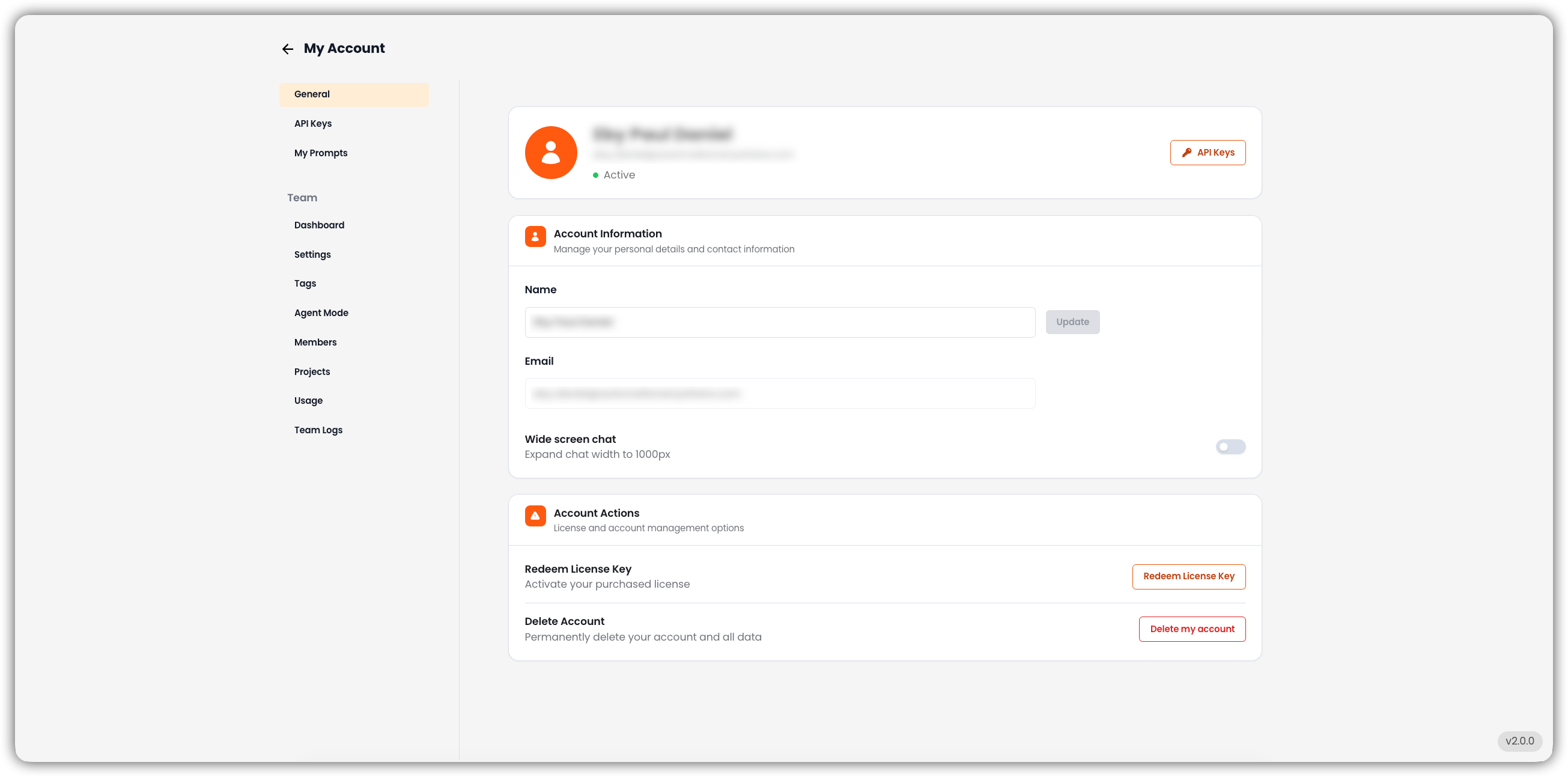
Account Information
Manage your personal details and contact information.
-
Name
Displays your account name.- You can edit your name and click Update to save changes.
-
Email
Shows the registered email address.
Account Actions
Perform key account management actions.
-
Redeem License Key
Activate a purchased license key by clicking the Redeem License Key button. -
Delete Account
Permanently delete your account and all associated data.
⚠️ This action is irreversible and will remove all data and access.
User Profile Summary
At the top of the page, your profile details are shown:
- Name – Registered account holder’s name.
- Email – Associated account email.
- Status – Current account status (e.g., Active).
Quick Access
- API Keys
Navigate directly to API Key management via the API Keys button in the top-right corner.