Custom Models
Open My Account → Custom Models to add custom LLM connections that every project on this team can use.
Models you add here are team-scoped. They show up for agents in all projects on the team. Project-only custom models are still configured on the agent; see Predefined and Custom Models.
The endpoint is validated before the model is saved.
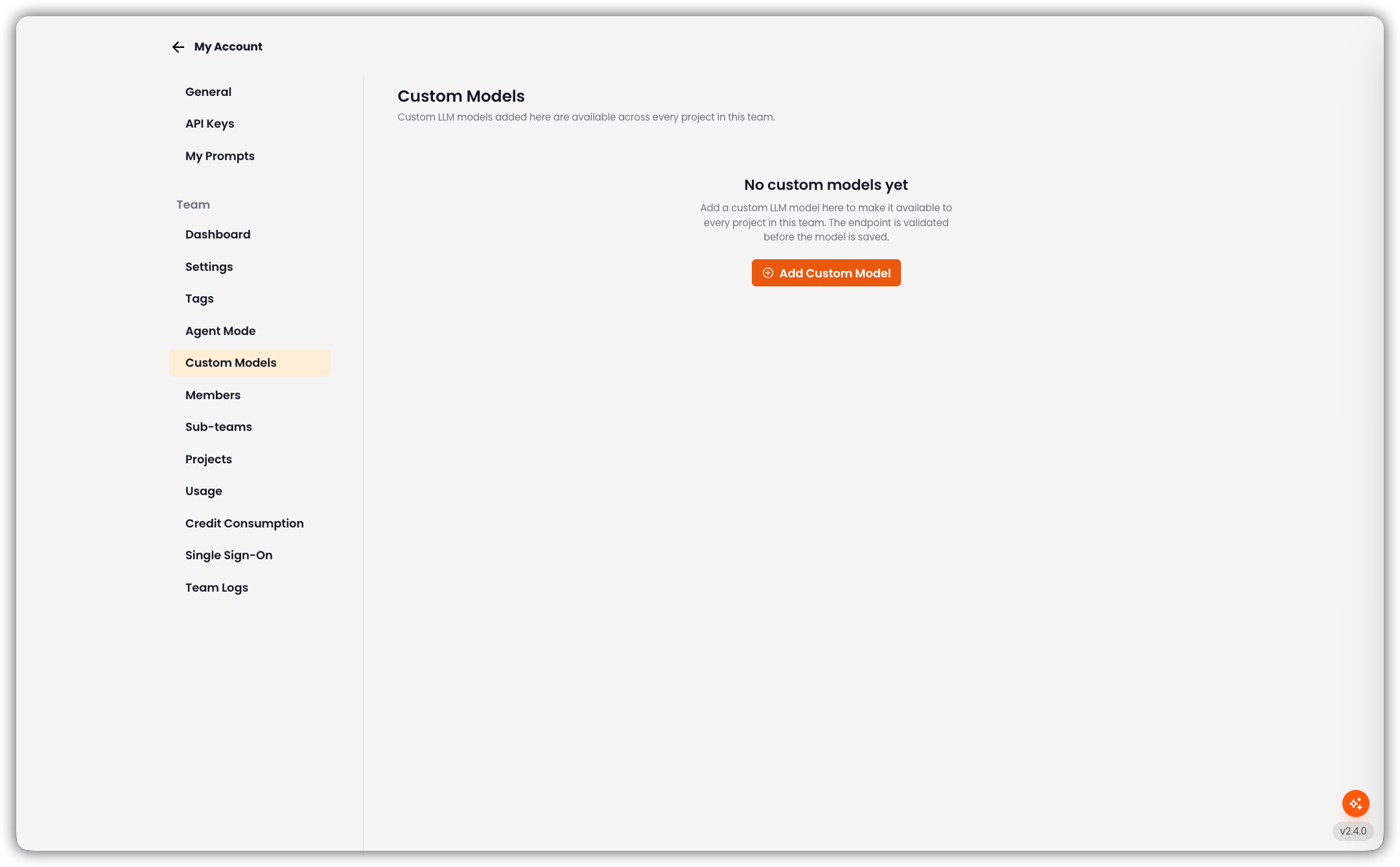
Only team admins can open this tab and add, edit, or delete team custom models.
Empty State
If the team has no custom models yet, the page shows No custom models yet and Add Custom Model.
Add a Custom Model
Click Add Custom Model
The New Connection dialog opens.
Fill in the Fields
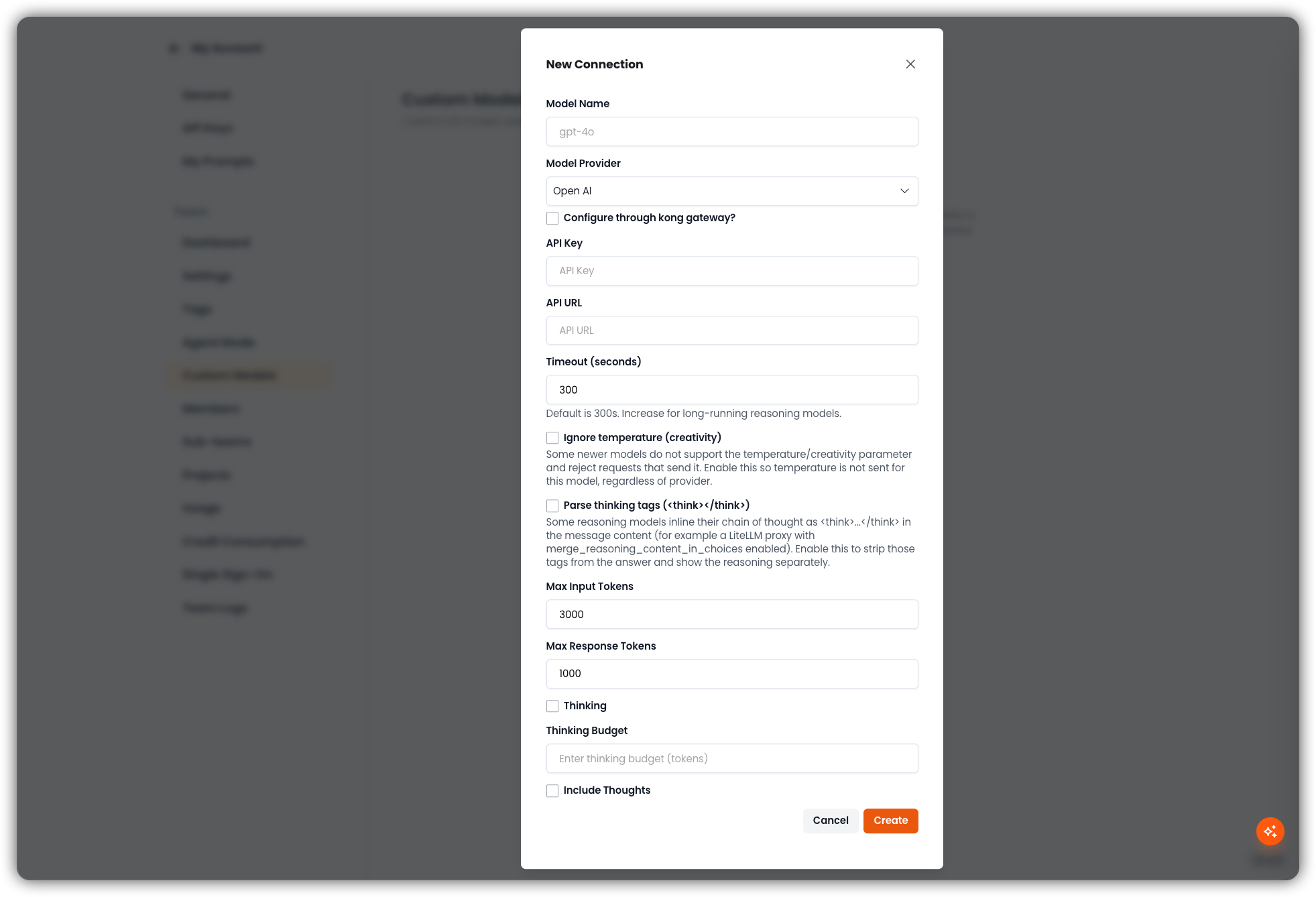
Field Description Model Name Identifier the API expects (for example gpt-4o)Model Provider Provider from the dropdown (for example Open AI) Configure through kong gateway? Optional. Route the connection through the Kong gateway. API Key Provider key. Stored securely. API URL API endpoint Timeout (seconds) Default is 300. Increase for long-running reasoning models. Ignore temperature (creativity) Some newer models reject requests that send a temperature/creativity parameter. Enable this so temperature is not sent for this model, regardless of provider. Parse thinking tags ( <think>/</think>)Some reasoning models inline a chain of thought as <think>…</think>in the message content (for example a LiteLLM proxy withmerge_reasoning_content_in_choicesenabled). Enable this to strip those tags from the answer and show the reasoning separately.Max Input Tokens Default 3000 Max Response Tokens Default 1000 Thinking Enable provider thinking/reasoning for this model. Thinking Budget Token budget for thinking, when Thinking is on. Include Thoughts Include the model's thoughts in the response. Other provider-specific fields (Azure API version, AWS timeout, custom auth headers, dynamic token fetching) appear when that provider is selected.
Create
Click Create. EKB validates the endpoint; on success the model is stored for the team. Cancel closes the dialog without saving.
Model List
When at least one model exists, the page shows a search box (Search by name or provider...) and a table:
| Column | Description |
|---|---|
| Name | Model name |
| Provider | Provider label |
| Max Input | Max input tokens |
| Max Response | Max response tokens |
| Actions | Edit or delete |
If search matches nothing: No models match your search.
Edit or Delete
- Edit reopens the same form with the current values.
- Delete asks for confirmation, then removes the team model.
Team models cannot be edited from a project's custom-model list. There they appear as read-only with Managed in team settings.
Related
- Predefined and Custom Models — catalog of built-in models and project-level BYOK
- Agent Mode